
Deploy AMPL within production-grade Python environments to power large-scale, multi-user optimization workflows – with commercial solvers, scalable execution, and seamless data integration.
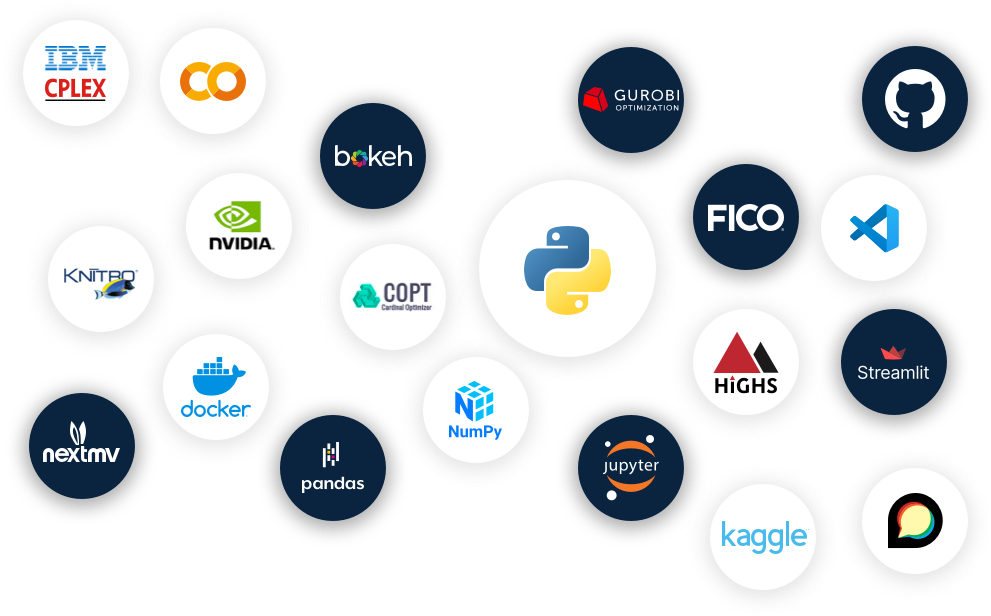
AMPL integrates directly into Python-based data and production systems. Python manages data workflows, orchestration, and deployment, while AMPL provides a scalable optimization engine with unified solver control.
Move structured data seamlessly between Python data workflows and AMPL models. amplpy connects directly to pandas and NumPy structures, enabling large-scale model execution within existing analytics pipelines.
Commercial and open-source solvers are available as Python packages, enabling scalable execution, multi-process workflows, and controlled solver environments within enterprise deployments.
Build internal optimization services, interactive decision-support applications, or batch workflows — deployed across cloud or on-prem infrastructure.
Built for teams operationalizing large-scale optimization across enterprise Python environments.
Multi-user and multi-instance model execution
Parallel and distributed solver execution
Unified commercial and open-source solver integration
Centralized solver control and license management
Scripted, batch, and service-based execution models
Deployment across cloud and on-prem infrastructure

Access installation guides, API references, example workflows, and applied optimization resources to support development and production deployment with amplpy.
Deploy AMPL within your enterprise Python environment — with commercial and open-source solvers available through unified execution and scalable infrastructure.
Access installation guides, API documentation, and implementation examples for deploying AMPL within Python-based analytics and production systems.
Evaluate solver performance within your Python environment. Compare commercial and open-source solvers using AMPL’s unified modeling layer to support informed deployment decisions.